| Quick Answer In 2026, the newest AI assistants — ChatGPT, Gemini and Claude — have moved beyond simple chat. They can now plan and finish multi-step tasks on their own, remember your past conversations, connect to your everyday apps, and create text, images and video in one go. |
A few years ago, an AI assistant was a thing you talked to. You asked it something, and it would type something back. That’s not the case anymore. In 2026, the latest crop of AI assistants can help you plan your weeks out, remember things you told it months ago, and even create a video from a single sentence. If you haven’t seen what these kinds of AI are capable of lately, here’s a look at some of the ways that they’ve been improved since their early days.
From Chatbots to Coworkers: The Big Shift
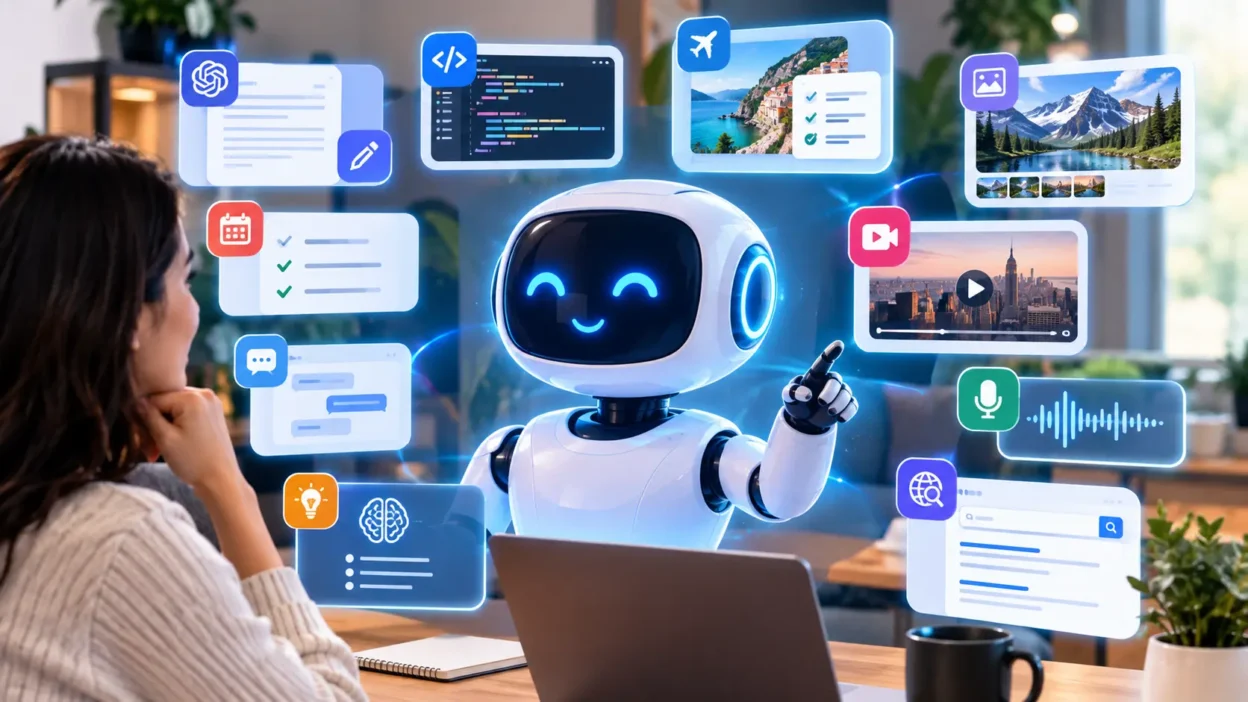
The clearest trend of 2026 is what we in the industry call “agentic AI.” It sounds impressive, but the concept it describes is actually quite simple. Instead of the kind of suggestion you’re used to, an agentic assistant takes action. If you ask for help organising your inbox, for instance, it won’t just give you a list of things you could do. It will actually sort, reply to, and file your emails. Industry analysis this year has noted a clear convergence between the capabilities of “suggestive” AI and “active” assistants; as of 2026, leading assistants have demonstrated the capacity to plan and execute multi-step tasks without assistance.
Think of it as the difference between a helpful friend that can suggest directions and a friend that will drive you wherever you need to go.
They Remember You Now
One of the cleverest (and most surprising) enhancements is memory. Every major assistant now remembers previous conversations, preferences, and project details, so you can carry on a multi-turn conversation without having to repeat yourself. Let’s say you tell your assistant that you’re vegetarian, working on a dissertation, and getting married in Cornwall. It should be able to keep all that in mind for future reference without you having to remind it every single time.
This is important for both casual and professional uses. For the former, it means less typing and more getting on with things; for the latter, it means an assistant that behaves more like a colleague who’s been with the company since day one, rather than a new hire who needs to be briefed on every project from scratch.
They Plug Into the Apps You Already Use
The newest assistants don’t live in a box anymore. ChatGPT hooks into everyday apps and services, Gemini works directly inside Gmail, Docs and Sheets, and Claude can call on outside tools and business systems to get things done. It matters because it turns a chat window into something closer to a control centre for your digital life, a one-stop shop for asking for something that lives in your calendar, your spreadsheet, your project board.
Google’s own 2026 update added a round-the-clock personal agent that keeps working quietly in the background, even after you’ve locked your phone, building custom workflows so repetitive tasks handle themselves.
They Create More Than Just Text
Multimodal is one of those fancy-sounding terms that really means something very simple – these tools can now process text, visual, audio and video data, not just one or the other. Google’s 2026 update, for example, includes a video-generation model that can turn a short textual prompt into a completed clip, while also allowing the user to upload their own audio, images, or footage to the mix, and output a coherent video. Such a feature can be rolled out into any number of applications, from social media (e.g. YouTube Shorts) – which demonstrates just how far this technology can go in a short amount of time.
Built for Serious, Everyday Use — Not Just Novelty
2026 has also seen the maturity of the space in terms of trust and safety. Features that previously only came with enterprise licenses, such as activity logs, data controls, and team permissions, have been rolled out across the major players. This is a huge deal for anyone looking to use AI in a professional capacity, whether you are planning on using it to organize your personal finances or you want to let your clients know that their data is being handled responsibly.
So, Which One Should You Actually Use?
Here’s the honest, simple answer: there isn’t one “best” AI assistant in 2026 — there’s a best one for what you’re doing.
- Writing, coding or long documents: Claude tends to stay consistent and reads less like a robot wrote it.
- General everyday use, voice chats and a wide range of plug-ins: ChatGPT covers the most ground.
- Already living inside Gmail, Docs or Sheets: Gemini slots in without you changing how you work.
Most people don’t need to pick just one. Trying the free tier of two or three is still the easiest way to find out which one actually fits how you think and work.
The Bottom Line
The newest AI assistants in 2026 are not just your standard chatbots with a few fresh upgrades. They can act independently, remember who their users are, work with the applications their owners use, and produce content that is far more elaborate than simple text. Whether this is exciting or worrying, it is worth spending ten minutes learning to use the features of one’s assistant to get the most out of the experience.
Frequently Asked Questions
What is the biggest change in AI assistants in 2026?
The biggest change is that assistants now act, not just chat. Instead of only answering questions, they can plan and complete multi-step tasks on their own, such as organising files or booking things for you.
Do AI assistants remember previous conversations?
Yes. As of 2026, memory is a standard feature across the major assistants, so they can recall your preferences and past chats without you repeating yourself each time.
Can AI assistants create videos now?
Some can. Google’s Gemini, for example, added a video-generation tool in 2026 that turns a written prompt — or your own uploaded photos and clips — into a finished short video.
Is Claude, ChatGPT or Gemini better for beginners?
All three are beginner-friendly. ChatGPT is a solid all-rounder, Gemini suits anyone already using Gmail or Google Docs, and Claude is well suited to writing and coding tasks.
Are these AI assistants safe to use for work?
Most major assistants now include standard security features such as activity logs and data controls, which weren’t always included as default even a year or two ago. It’s still worth checking your organisation’s own AI policy before using one for sensitive work.
Further Reading
Google updates Gemini with a personal AI agent and new video model — TechCrunch
2026 AI assistant capabilities guide: GPT-5, Gemini 2.5, Claude 4 — Arahi AI
Claude vs ChatGPT vs Copilot vs Gemini: 2026 Enterprise Guide — IntuitionLabs